

The most-used Poshmark bots in 2026 are Vendoo, PosherVA, ClosetPilot, ClosetMate, Simple Posher, and ResellBot, with monthly costs ranging from free to $29.99.
We've been in the reselling space for years, and we've heard seller feedback on every major tool on the market. Let's check what each one does, who it's for, what it costs, and the honest truth about using automation safely on Poshmark.
Key Takeaways
- Poshmark bots automate sharing, following, and offers to likers – the three activities most responsible for sales on the platform
- Bots are technically against Poshmark's ToS, but enforcement is essentially nonexistent; in 8+ years in this space, we've never heard of an account banned for using one
- The real risk isn't a ban, it's "share jail," a temporary block triggered by sharing too fast or too much in a day
- Most high-volume resellers use some form of automation. If you're not, you're at a disadvantage
- If you're only on Poshmark, a dedicated bot like PosherVA or ClosetPilot handles the basics well
- If you're crosslisting across platforms, Vendoo covers automation and a lot more in one place
What Is a Poshmark Bot?
A Poshmark bot is software that automates repetitive tasks on Poshmark. Things like sharing listings, following users, and sending offers to likers. Instead of spending hours clicking, the bot does it for you in the background.
Most Poshmark sellers use bots to handle:
- Self-sharing: sharing your own listings to move them up in search and follower feeds
- Community sharing: sharing other sellers' listings to build goodwill and reciprocal shares
- Party sharing: sharing your listings to relevant Poshmark parties at the right time
- Automatic offers to likers (OTL): sending a timed offer to anyone who likes your item
- Follow / unfollow: growing your following by engaging with relevant accounts
- Bulk price drops: dropping prices by 10%+ on Closet Clear Out days to trigger Poshmark's discounted shipping notifications
- Relisting: using Poshmark's copy feature to refresh stale listings
These aren't optional extras for serious sellers. Sharing is the single biggest driver of visibility on Poshmark. Every share pushes your listing back up in follower feeds and search results. The more you share, the more exposure you get. Doing that manually at volume is not realistic.
Are Poshmark Bots Allowed?
No – officially. Poshmark's terms of service prohibit third-party automation tools.
But here's the reality: bots are used openly by the majority of high-volume Poshmark sellers. Top sellers discuss their bots on Instagram. Poshmark is aware. In 8+ years of selling on Poshmark and working with sellers across the country, we have never heard of a single account banned specifically for using a bot.
Why does Poshmark tolerate it? Likely because bots help sellers make more money, which helps Poshmark make more money. No one's stopping.
That said, use them wisely. Poshmark does enforce "share jail" (a temporary sharing block) if you share too aggressively. The general threshold is somewhere between 9,500–12,000 shares in a 24-hour window. Stay well below that, keep your sharing speed human-like, and you won't have a problem.
"I have used a Poshmark bot for around four years, and it really changed my business. Not only does it share my closet for me all day and especially at night when I'm asleep, but I also love that it automates sending offers out. The majority of my sales come from 'offers to likers' sent by my bot." — Deanna Balestra, pro reseller.
The 6 Best Poshmark Bots in 2026
#1. Vendoo: Best for Sellers Who Want More Than a Bot
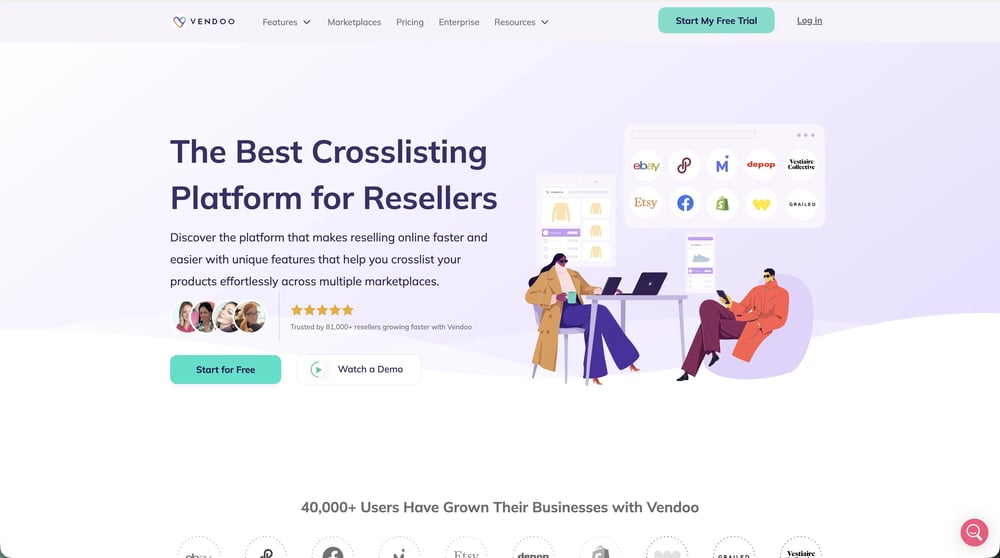
Vendoo wouldn't be considered a Poshmark bot per se, since it's more than that. It's a full crosslisting and inventory management platform, and that distinction matters. While every other tool on this list automates activity within Poshmark, Vendoo manages your reselling business across Poshmark, eBay, Mercari, Depop, Etsy, Grailed, Facebook Marketplace, and more from one dashboard.
If you're selling on multiple platforms, or planning to, Vendoo replaces a bot, a spreadsheet, and hours of manual relisting work simultaneously.
Ideal for: Resellers who crosslist across multiple marketplaces and want automation, inventory management, and analytics all in one place. Also the right choice for any Poshmark seller who's ready to grow beyond a single platform.
Key features:
- Crosslisting: list once and sync your inventory across up to 11 marketplaces automatically
- Automatic offers to likers: OTL built directly into the platform, no separate bot needed
- Closet sharing: automated Poshmark sharing with built-in safety controls
- Inventory management: track what's listed where, what's sold, and what needs attention across all platforms in one view
- Stale listing alerts: flags items older than 60 days so you can relist or reprice before they go completely cold (especially relevant given Poshmark's May 2025 60-day relist policy)
- Sales analytics: track performance, margins, and sell-through rate across platforms
Pros:
- Replaces multiple tools: bot + crosslister + inventory tracker in one
- Works on any device, cloud-based, so no browser or desktop dependency
- Actively maintained with features that respond to marketplace policy changes
- Built-in automation respects platform safety guidelines
Cons:
- More than a casual Poshmark-only seller needs, if you're only on one platform and only want sharing, a dedicated bot is simpler and cheaper
- Poshmark-specific automation controls might feel less granular than PosherVA's
Pricing: $12.49/month – 14 day free trial available

2. PosherVA: Dedicated Poshmark Bot
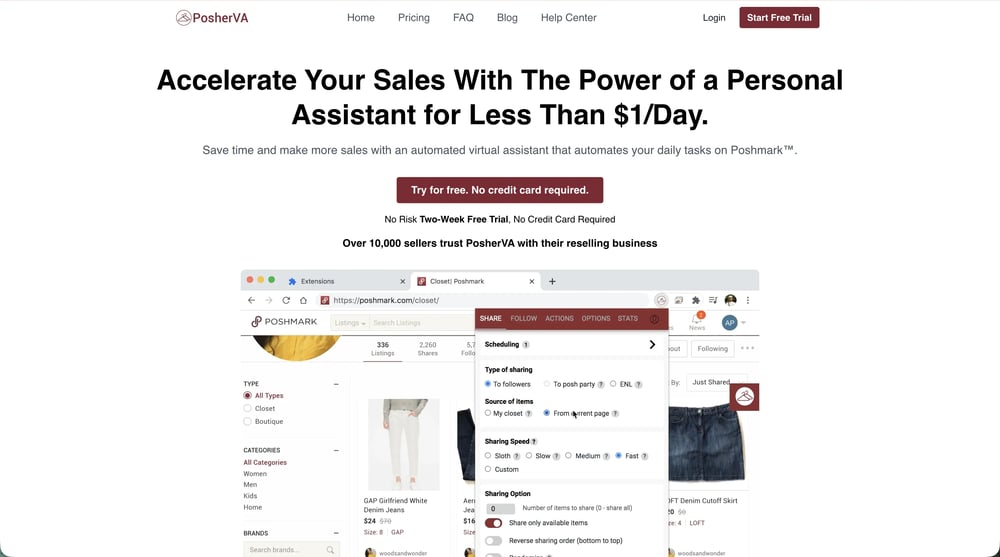
PosherVA is one of the most established Poshmark-only bots on the market. It runs as a Chrome or Edge extension and covers every core automation task Poshmark sellers rely on: sharing, offers to likers, party sharing, and bulk pricing.
Ideal for: Full-time sellers with large closets who work primarily from a desktop and sell exclusively on Poshmark.
Key features:
- Offer watcher: configure delay time, minimum price, and discount percentage; triggers OTL automatically
- Scheduled closet sharing: set sharing windows, speed, and intensity for consistent visibility day and night
- Bulk price dropping: one-click price drops for Closet Clear Out days, triggering Poshmark's discounted shipping notification to likers
- Auto-follow and unfollow: grow your following without manual effort
- Posh Party sharing: share to active parties automatically
Pros:
- Purpose-built for Poshmark: every feature maps directly to the platform's mechanics
- OTL configuration is the most detailed of any bot on this list
- Reliable, regularly updated as Poshmark changes
Cons:
- Desktop and browser must stay open, no cloud, no mobile access
- Poshmark-only; doesn't help if you sell elsewhere
Pricing: $25/month – 14-day free trial, no credit card required
3. ClosetPilot: Best Free Starting Point
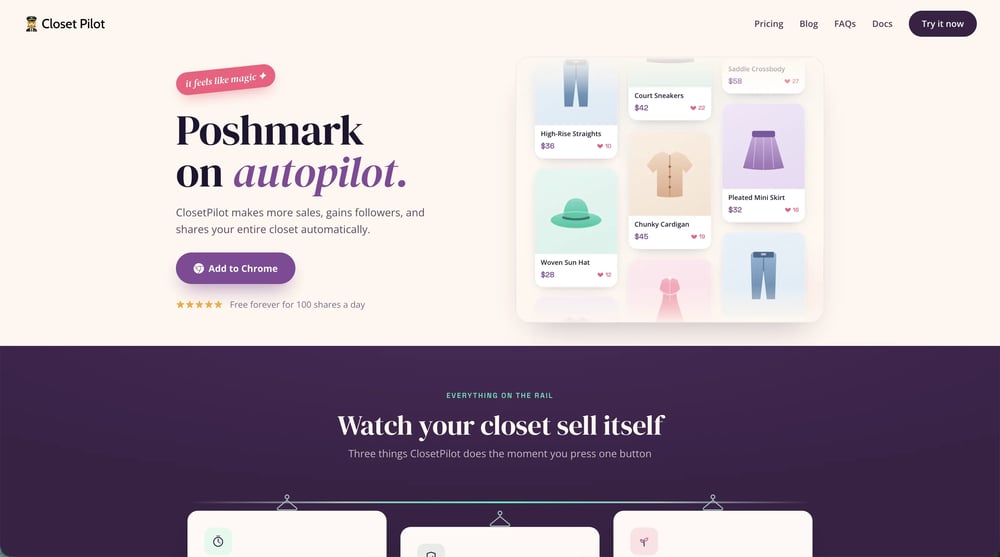
ClosetPilot offers a permanent free tier, 100 shares per day, no expiry, no credit card. It's a practical way to try automation before committing to a paid tool, and the paid plan covers sharing, OTL, and session tracking without much configuration overhead.
Ideal for: Sellers who want to test automation before paying, and mid-volume sellers looking for dependable background sharing with minimal setup.
Key features:
- Automated closet sharing: with adjustable speed, easy to keep activity natural and avoid share jail
- Automatic offers to likers: set timing and discount rules, let it run
- Session tracking: log of exactly what ran during each session
- Free tier: 100 shares/day, permanent, no credit card required
Pros:
- Free plan is functional, not just a preview
- Speed controls are easy to find and adjust, good for staying within safe limits
- Low barrier to entry with a clear upgrade path
Cons:
- OTL settings less detailed than PosherVA
- No analytics or profit tracking
- Desktop and browser must stay open
Pricing: Free (100 shares/day). $29.99/month for the full plan, 7-day free trial.
4. ClosetMate: Best for iOS Sellers
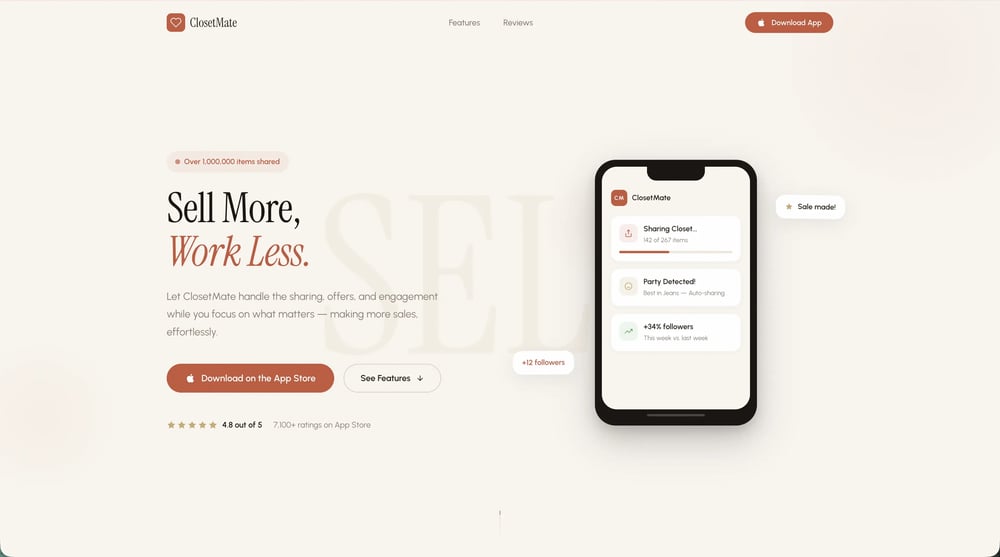
ClosetMate is built natively for iPhone and iPad, the only widely-used Poshmark automation tool that doesn't require a desktop. It handles closet sharing in the background while you use your phone normally, which is the main thing iOS sellers need.
Ideal for: iOS users who manage their Poshmark closet from their phone, side hustlers, boutique owners, part-time sellers.
Key features:
- Native iOS sharing: share your closet directly from iPhone or iPad
- Background operation: continues running while you use other apps; battery-efficient
- Auto-follow: grow your Poshmark following passively
- Manual and automatic modes: switch between full automation or hands-on control
Pros:
- The only mainstream Poshmark tool that works on iOS without a desktop
- Simple setup, straightforward to use
- No computer required
Cons:
- iOS only, no Android, no desktop version
- Feature set is narrower than desktop bots
- No OTL configuration or analytics
Pricing: $9.99/month on the Apple App Store.
5. Simple Posher: Best for Beginners
Simple Posher is a Chrome extension that keeps things straightforward. The setup is minimal, the features cover the basics, and you don't need to understand much before it starts working. For a seller automating for the first time, that's a reasonable place to start.
Ideal for: New Poshmark sellers with smaller closets who want to get into automation without a learning curve.
Key features:
- Multi-source sharing: share from your own closet, other closets, your feed, or categories; keyword-based party sharing included
- Infinite Share mode: runs continuously without manual restarts
- Reverse-order sharing: useful for keeping your closet organized while automating
- Follow and unfollow automation: grow your following passively
- Activity console: real-time log of what the tool is doing
Pros:
- Quickest setup on this list
- Covers the core tasks without unnecessary complexity
- Sufficient for growing a smaller closet
Cons:
- No analytics, bulk pricing, or advanced OTL
- Feature ceiling becomes apparent as your closet grows
- Desktop and browser must stay open
Pricing: $9.99/month, 7-day free trial.
6. ResellBot: Best for Advanced Users
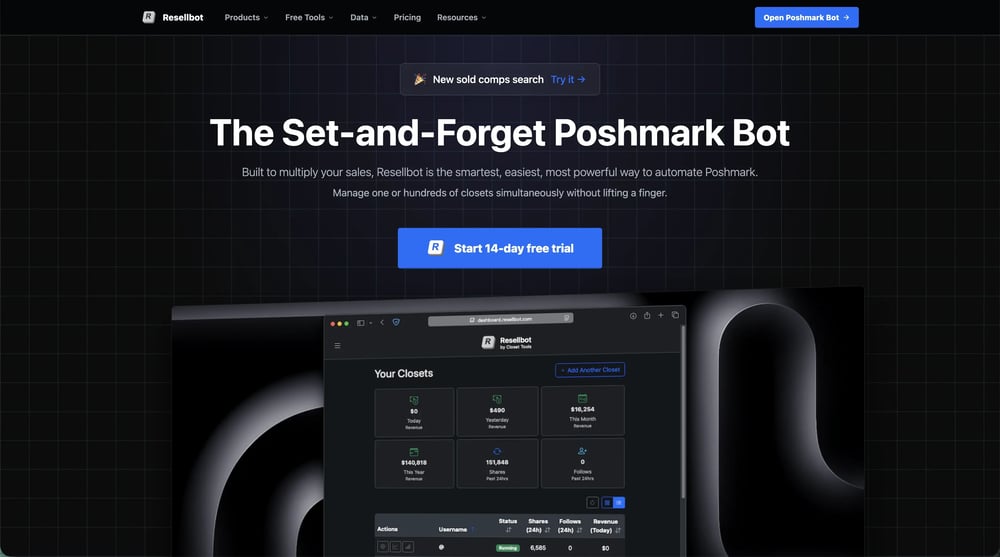
ResellBot (formerly Closet Tools) has the widest feature set of any dedicated Poshmark bot, including some tasks most other bots don't cover, like returning shares automatically and following another account's followers. It's suited to sellers who know what they want and are comfortable with more configuration.
Ideal for: Experienced sellers who want granular control over their Poshmark automation and community engagement strategy.
Key features:
- Share to followers, parties, and fresh closets
- Return shares and follows automatically
- Send offers to likers
- Share party feeds
- Follow followers of a specific account
- Runs 24/7 once set up
Pros:
- Broadest feature set of any dedicated Poshmark bot
- Useful for sellers who want to automate community engagement, not just sharing
- Set-and-forget once configured correctly
Cons:
- More settings means more to get wrong, not ideal for beginners
- No analytics; desktop and browser must stay open
Pricing: Free trial available, $30/month – first 3 closets.
Looking to scale your reselling business? Explore our Top Rated Online Marketplaces to grow smarter.
Do You Really Need a Poshmark Bot?
You don’t really need it, you could share your listings manually. You also don’t need a car to get to the store 20 miles away, you could walk, but it would take you a lot longer, be far less efficient, and you are far less likely to do it regularly.
Whether you are sharing manually or using a bot, you must share your Poshmark closet to be a successful Poshmark seller.
Testimonial from one of our Partners
"For years, I pressed buttons for hours. I even paid my friends and family to press buttons for hours. I am nauseous thinking about the amount of time and money I spent manually sharing my Poshmark closet.
Once I became more active in the reselling community on social media, I learned that I was the only large-scale reseller I knew pressing buttons all day long. Everyone else was using bots to automate these activities (and making a lot more sales than I was because of it).
Of course, my sales increased dramatically when I started using automation software for self-sharing and making offers to likers."
How to Pick the Right Poshmark Bot
The right bot depends on where you sell, how much you sell, and how hands-on you want to be. Here's how to think through it:
Selling on multiple platforms, or planning to:
Vendoo is the obvious choice. Managing separate bots for each platform while also maintaining inventory across them is exactly the kind of overhead Vendoo eliminates.
You get Poshmark automation, sharing and OTL, plus crosslisting, inventory sync, stale listing alerts, and analytics, all from one dashboard that works on any device. If you're already on two or more platforms, the math on consolidating tools makes itself.
Poshmark-only, high volume, desktop-based:
PosherVA is the most purpose-built option for this profile. It covers every task that moves the needle on Poshmark, sharing, OTL, party sharing, bulk pricing, and the offer watcher in particular is the most configurable on the market.
If you're running a large Poshmark-only closet from your desk and want something reliable that you configure once and mostly forget, it holds up well.
New to automation, want to try before paying:
Start with ClosetPilot's free tier. You get 100 shares per day with no time limit and no credit card required, enough to see how automation changes your daily workflow before committing to anything.
The paid plan is a natural upgrade if you want more volume and OTL, but there's no pressure to get there until the free tier feels limiting.
iOS seller:
ClosetMate is a great option, and it does the job. It shares your closet in the background while you use your phone normally, which is the core thing a mobile seller needs.
The feature set is narrower than desktop bots, but the alternatives require a computer, so if you're phone-first, this is the call. Feel free to use the Vendoo app as well.
New seller, small closet:
Simple Posher gets you automating in minutes without any real learning curve. It handles sharing, party sharing, and following, the basics that matter early on, without burying you in settings you don't need yet.
Worth noting: as your closet grows and you want more control over OTL, scheduling, or analytics, you'll hit its ceiling. That's not a problem now, but it's worth knowing so the eventual switch doesn't catch you off guard.
Experienced seller, want maximum Poshmark control:
ResellBot goes further than the other dedicated bots on things like return shares, party feed sharing, and follower targeting. If you've already maxed out what a simpler tool can do and want to push deeper into community engagement and automation, it's worth exploring.
Just go in knowing it takes more time to configure correctly, the tradeoff for the additional control.
How to Use Poshmark Automation Safely
Regardless of which tool you choose, the same principles apply. Poshmark's enforcement is mostly pattern-based, unusually fast activity, suspiciously high volumes, and unnatural behavior are what trigger restrictions, not the use of automation itself. Keep things reasonable and you'll be fine.
Keep sharing speed human-like.
The temptation is to set your bot to blast through your entire closet as fast as possible. Resist it. Spreading sharing across the day, a few hundred listings per session, with natural gaps, looks far more organic and keeps you well clear of any flags.
Stay well under 10,000 shares per day.
The estimated Poshmark share jail threshold is somewhere between 9,500–12,000 shares in a 24-hour window. There's no reason to test that ceiling. Most active sellers do fine staying under 5,000–6,000 and seeing strong results, more isn't always better, it's just more risk.
Configure OTL with some restraint
The standard setup is a 4–10 minute delay after a like, a minimum listing price so you're not auto-discounting your lowest-margin items, and a 10–20% discount. Sending offers too instantly or too aggressively can come across as spammy to buyers and may flag activity on Poshmark's end. Thoughtful configuration here directly affects both safety and conversion.
Check in regularly, don't just set and forget indefinitely.
Poshmark updates its platform, algorithm changes, new policies, UI shifts, and bots don't always adapt automatically. What worked cleanly last month might behave differently after an update. A quick weekly check that your automation is running as expected takes two minutes and prevents surprises.
Guard your account credentials
This applies to VA services especially. If a service is asking for your Poshmark login to perform sharing on your behalf, understand exactly what you're authorizing.
A number of VA services have been caught running bots on client accounts while billing for "manual" labor. More broadly, your credentials are the keys to your business, treat them accordingly.
Frequently Asked Questions
Will I get banned for using a Poshmark bot?
It's very unlikely. In years of working with Poshmark sellers, we've never heard of an account being banned specifically for using a bot. Poshmark's ToS prohibits them, but enforcement is essentially nonexistent. The real risk is "share jail", a temporary sharing block triggered by excessive speed or volume. Keep your activity conservative and human-like and you'll be fine.
How much do Poshmark bots cost?
Between free and $29.99/month. ClosetPilot has a permanent free tier (100 shares/day). ClosetMate and Simple Posher are $9.99/month. PosherVA is $25/month and ClosetPilot's paid plan is $29.99/month. ResellBot's pricing varies, check their site for current plans. Vendoo starts at $12.49/month and includes automation alongside full crosslisting and inventory management.
Do Poshmark bots actually increase sales?
Yes, meaningfully. Sharing is the primary driver of visibility on Poshmark, and bots let you share consistently and at volume without manual effort. The offer-to-likers feature alone (sending an offer while a user is still on their phone) converts at a significantly higher rate than any other Poshmark selling tactic.
What's the safest Poshmark bot?
All the tools on this list are broadly safe when configured conservatively. PosherVA has the longest track record and the most Poshmark-specific safety logic. ClosetPilot's speed controls make it especially easy to stay within safe limits. Vendoo's automation has built-in safety controls designed around platform guidelines.
Can I use a bot on mobile?
Vendoo and ClosetMate are the only option for iOS. All other dedicated bots on this list require Chrome or Edge on a desktop. Vendoo is the exception, it's cloud-based and works on any device, including mobile.
What's the difference between a Poshmark bot and Vendoo?
A bot automates activity within Poshmark, sharing, following, sending offers. Vendoo manages your reselling business across multiple marketplaces, with automation features included. If you're only on Poshmark, a dedicated bot is simpler and cheaper. If you're crosslisting or plan to, Vendoo does the job of a bot plus a lot more.